

Alternatives to happy oyster
Happy Oyster AI is a real-time interactive world model for creating, wandering through, and directing persistent AI-generated scenes.
Explore 20 alternatives to happy oyster. Compare features, pricing, and find the best fit for your needs.
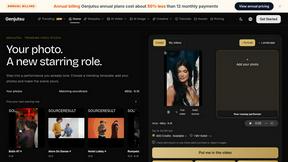
Genjutsu
Explore runway, dance, music and object video templates. Compare source and remix examples, upload your reference photos and create a new version.
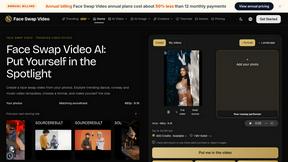
Face Swap Video
Create a face swap video from your photos. Explore trending dance, runway and music video templates, choose a format, and make yourself the star.

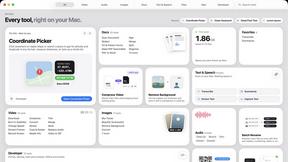
Toolbox
96 private Mac tools in one app: compress video, sign PDFs, remove backgrounds, transcribe. Offline, no account, pay once.
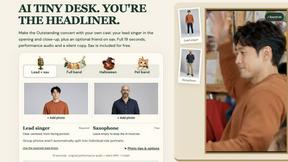
AI Tiny Desk
Make a 19-second desk-concert video with lead and sax, full band, Halloween or pet-band modes; audio and silent MP4.
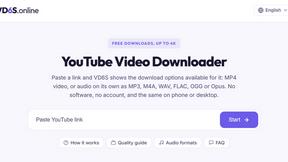
VD6S
VD6S is a free online YouTube video downloader that supports HD, 4K and up to 8K downloads. Save videos in MP4 or audio in multiple formats.
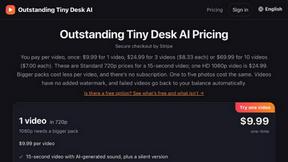
Outstanding Tiny Desk AI
Upload photos of you and up to 4 friends and get a 15-second Outstanding Tiny Desk AI video with AI-generated sound, in 9:16 for TikTok and Reels.

Tip Toeing in My Jordans
Upload a photo and get a 12-second Tip Toeing in My Jordans video: you play the AI Rumpelstiltskin, a friend can play the woman in the hay.
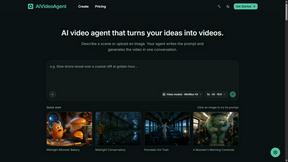
AIVideoAgent
AIVideoAgent helps you explore AI video models for everyday visual work, in a browser-based creative workspace.

Dola AI
Freemium AI creative studio: generate images and videos, edit photos and films, compose 3D scenes, and work with docs, sheets, slides and PDFs.
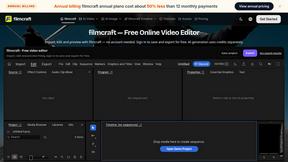
filmcraft
Free online video editor in your browser: import, color, audio and preview with no account. Optional AI tools use credits.
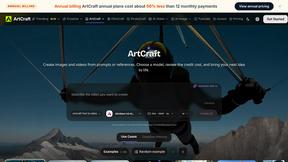
ArtCraft
Browser creative studio for images, video and 3D: compose, edit, stage scenes and organize references. AI generation uses credits.
GenX
All-in-one AI workspace to generate images, videos, and audio with multiple leading AI models.
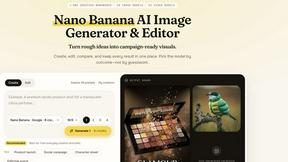
Nano AI
Create and edit AI images, generate videos, and compare models in one creative workbench.
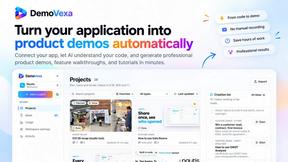
AIPetGen
AIPetGen turns a photo of your dog, cat, or other pet, or a written description, into a new picture or a short animation.
Slide-Easy
A Mac app that turns your App Store link into a week of Instagram Reels and carousels, written from your real reviews.

About happy oyster Alternatives
Happy Oyster is an AI video platform that distinguishes itself by offering creators intentional control over the generation process rather than relying on random outputs. It falls under the broader category of AI video generation tools, but it specifically targets users who find purely prompt-based systems too unpredictable for professional work. Users commonly look for alternatives to Happy Oyster for several reasons, including a need for higher resolution exports beyond 720p, a desire for longer video durations than the 15-second maximum, or a preference for different pricing models that do not rely on a credit system. Others may seek platforms with more advanced editing features, collaborative workflows for teams, or integration with specific third-party software. When evaluating an alternative, it is important to prioritize tools that offer the level of control you need over subject, environment, and camera motion, as well as support for reference images or style anchors. Additionally, consider the platform’s export quality, commercial usage rights, and whether its pricing aligns with your project volume, whether you are a marketer needing quick drafts or an artist refining visual tone. The search for alternatives often stems from a mismatch between a creator's specific workflow requirements and the platform’s current feature set. For instance, a filmmaker might need 4K output for pre-visualization, while an e-commerce business may require batch processing of product videos. Others might find the credit-based free tier insufficient for heavy prototyping or prefer a subscription model with unlimited generation. When selecting an alternative, look for clear documentation on output formats, aspect ratio support, and real-time preview capabilities, as these directly impact production speed. It is also wise to verify the platform’s stance on data privacy and ownership of generated content, as commercial projects demand clear licensing terms. By focusing on these functional and practical criteria, you can identify a tool that better fits your specific video creation needs without compromising on creative direction.
FAQs about happy oyster Alternatives
What is Happy Oyster?
Happy Oyster is an independent AI video platform designed to give creators intentional control over video generation. It operates with two primary modes: Director Mode, which allows users to define subject, environment, lighting, camera motion, and action through structured inputs, and Wander Mode, which enables free exploration of AI-generated 3D worlds. The platform emphasizes purpose-driven creation over random prompt outputs.
Who is Happy Oyster for?
Happy Oyster is built for a variety of professional users including marketers who need to turn briefs into video drafts quickly, e-commerce businesses looking to animate product photos, creators prototyping hooks and reels with precision, and artists blocking scenes and testing visual tone pre-production. It is particularly suited for users who want structured control over their AI video outputs rather than relying on chance.
Is Happy Oyster free?
Happy Oyster offers a free start that provides 500 credits upon sign-up with no credit card required. These credits allow users to explore both Director Mode and Wander Mode. For continued use beyond the initial credit balance, users will need to purchase additional credits or subscribe to a paid plan, though specific pricing details are not listed in the provided content.
What are the main features of Happy Oyster?
The main features include two distinct modes: Director Mode for structured video creation with inputs for subject, environment, lighting, camera motion, and action, plus reference image support for consistency. Wander Mode allows navigation of AI-generated 3D worlds in first- or third-person view. Output options include 5, 10, or 15-second clips at 720p resolution with multiple aspect ratios, and the platform offers real-time preview for iterative creation.