
Alternatives to AI Email Filter
AI Email Filter sorts incoming mail into folders using plain-language prompts you write. Works with any IMAP mailbox; bring your own LLM if you want.
Explore 20 alternatives to AI Email Filter. Compare features, pricing, and find the best fit for your needs.

SmartCV
AI resume builder with editable templates, PDF/DOCX export, and job application tracking.

BeTheOne
Guided practices, a free habit consistency calculator, and a personal growth beta app.
Kivloo
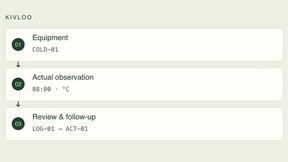
Workplace and food safety software for daily phone checks, with photo evidence and inspection records across sites.

ACA
One platform for cold email, LinkedIn, lead magnets, content and a shared AI reply inbox, run in the app or by your AI agent.

Infograph
Turn articles, AI answers, notes and meetings into scrolling visual stories, with every number checked.
Berth
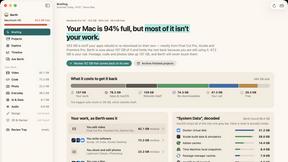
Native Mac disk space app: finds build files, render caches and old AI models, shows what each costs to get back, and cleans safely with Undo. Private

StackLedge AI, Automation
Hand-verified launchpad uncovering practical SaaS, vetted AI tools, and ready-to-run n8n automations. 100% human-reviewed with zero scraper junk.
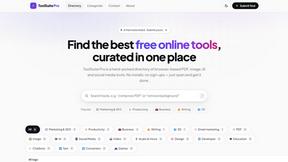
My Tools Suite Pro
Discover the best free online tools with ToolSuite Pro. Explore AI, productivity, marketing, SEO, writing, business, and software tools in one place.
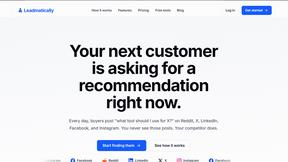

GigUp
GigUp helps freelancers discover relevant Upwork jobs through AI matching, automated monitoring, and instant alerts.
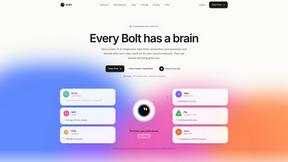
Bolts
AI employees with a brain that think, remember your business and work 24/7 on their own cloud computers.
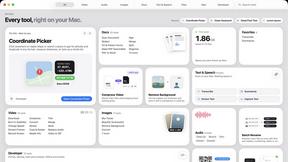
Toolbox
96 private Mac tools in one app: compress video, sign PDFs, remove backgrounds, transcribe. Offline, no account, pay once.

Safe Outreach
AI-powered platform that evaluates the safety of LinkedIn automation tools and helps reduce the risk of account restrictions.

ConnectMachine
Still handing out paper business cards? ConnectMachine is a free digital business card that saves straight into the other person's contacts.

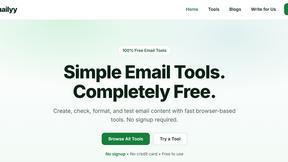
Emailyy
Free email tools for signatures, subject lines, HTML previews, word counts, and email headers. Browser-based, simple to use, and no signup required.

Uniclip
Clip pages, take full-page screenshots and batch-capture list data to Notion, Feishu, Obsidian, Markdown, CSV or JSON.
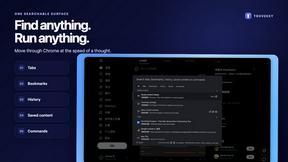
TroveKey
Search tabs, Chrome bookmarks and history, run browser commands, and save webpages and social posts locally—no account.