
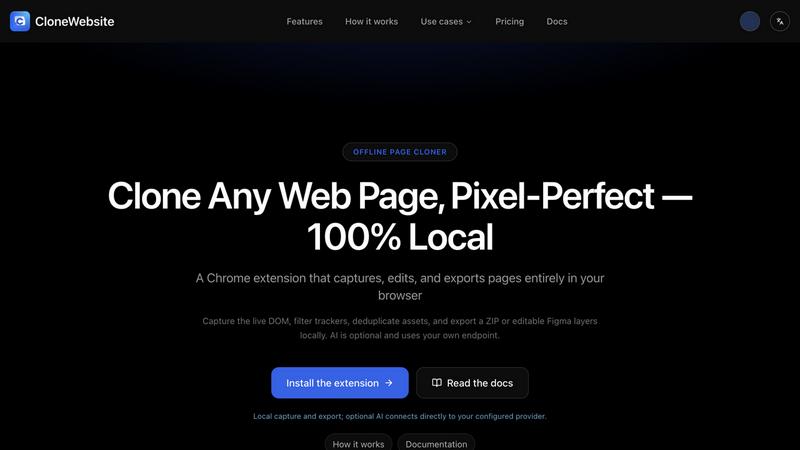
About CloneWebsite
CloneWebsite is a Chrome extension + web app that turns any webpage into clean, usable code. One click captures the full rendered state - 105+ computed CSS properties, DOM structure, animations, pseudo-elements - and bundles all images, fonts, and assets into a ZIP. Magic Paste converts the result into ready-to-use React or Vue components. Captures can also be exported to Figma as editable layers via the free CloneWebsite Figma plugin. A built-in offline workbench lets you edit and preview projects locally, with optional BYOK AI. Privacy-first: everything runs in your browser.
Explore more in this category:
Similar to CloneWebsite

Uniclip
Clip pages, take full-page screenshots and batch-capture list data to Notion, Feishu, Obsidian, Markdown, CSV or JSON.

TroveKey
Search tabs, Chrome bookmarks and history, run browser commands, and save webpages and social posts locally—no account.

AppIconGenerator
Generate iOS and Android app icons from any image and export all platform sizes for free.

Todowing
Chrome extension that nests Todoist sub-tasks inline in Today, Upcoming, and filter views, with a focus timer, custom fonts, and color palettes.
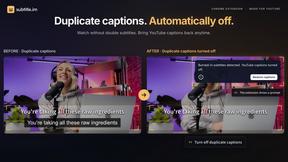
subtitle.im
Chrome extension for existing YouTube captions. Local OCR helps handle duplicates by your settings. Free 10-video trial; optional Pro.

AppScreen
Browser editor for App Store and Google Play screenshots, with iPhone, iPad and Android frames.

ogimagegenerator.dev
Paste a URL and AI designs on-brand Open Graph images from your page's colours, fonts and logo. Free, no sign-up.
Screen Issues
Free Online Screen Test Tool - Instantly diagnose dead pixels, lines, color issues, and flickering. Multiple test modes, no download needed.